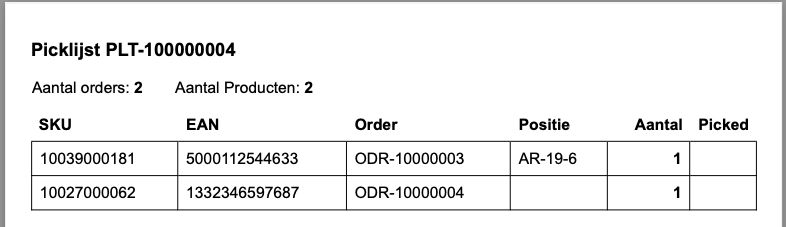
Print pick list PDF
Within Afosto, you can generate a PDF of pick lists that you can print. To do this, follow the guide below.
First, you need to open a pick list in the platform. Once you have done this, the screen below will appear.

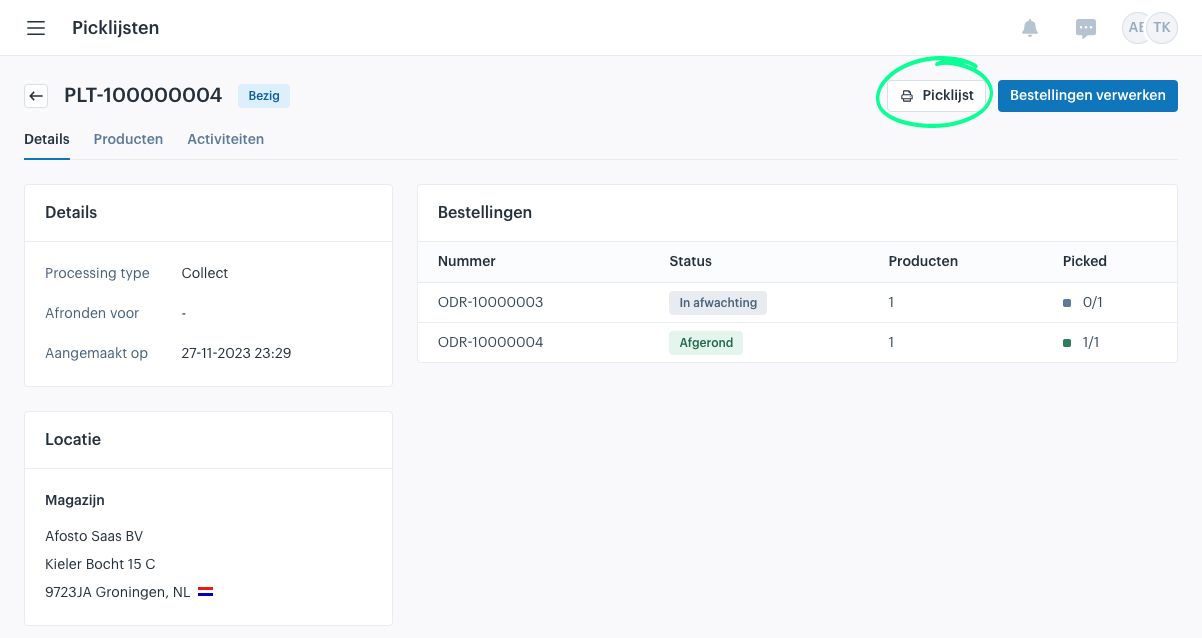
Click “Pick List” in the top-right corner of the screen. A PDF will now be generated, and the window below will appear.
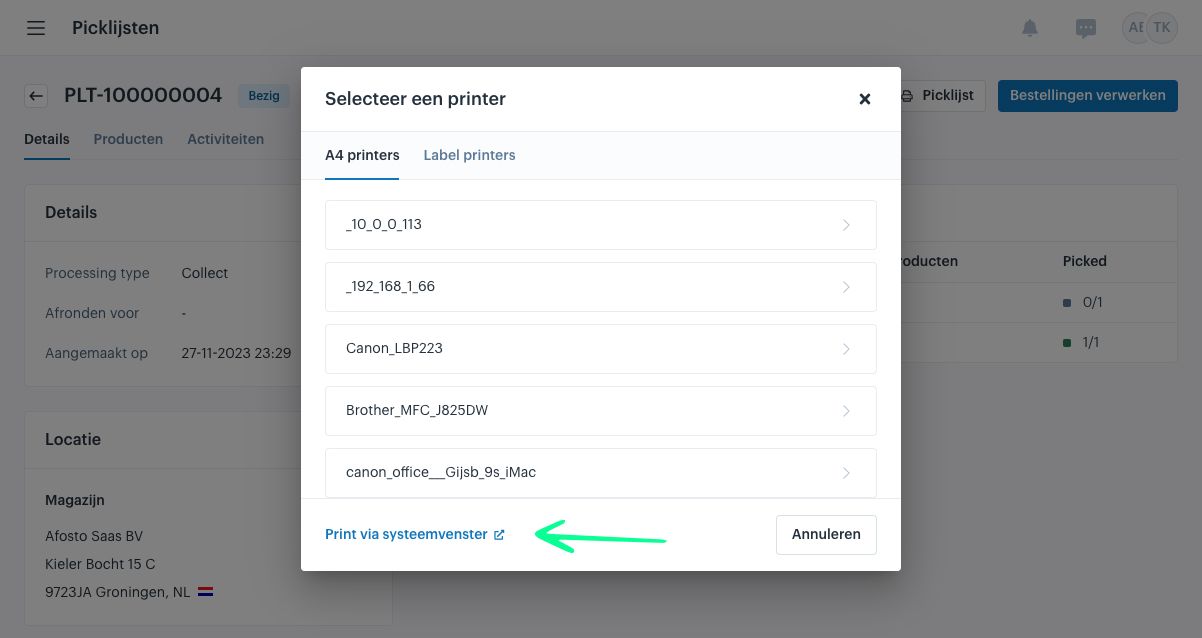
Here you have two options:
- Save as PDF
Do this by clicking “Print via system window.” You can then download it and print it yourself. - Send to a printer connected via Spooler
Do this by selecting the printer from one of the lists (A4 printer or Label printer).
The document will then be printed or downloaded, as shown below.